Press Kit
Descriptions, app artwork and fresh screenshots for writers and reviewers. Contact [email protected].
Facts
- App: RetroGuide.TV
- Developer: Adam Hunt
- Platforms: iPhone, iPad and Apple TV, version 17 or later
- Price: Free with an optional, one-time RetroGuide Pro purchase
- Source: MIT-licensed app on GitHub
- App Store: RetroGuide.TV
Short description
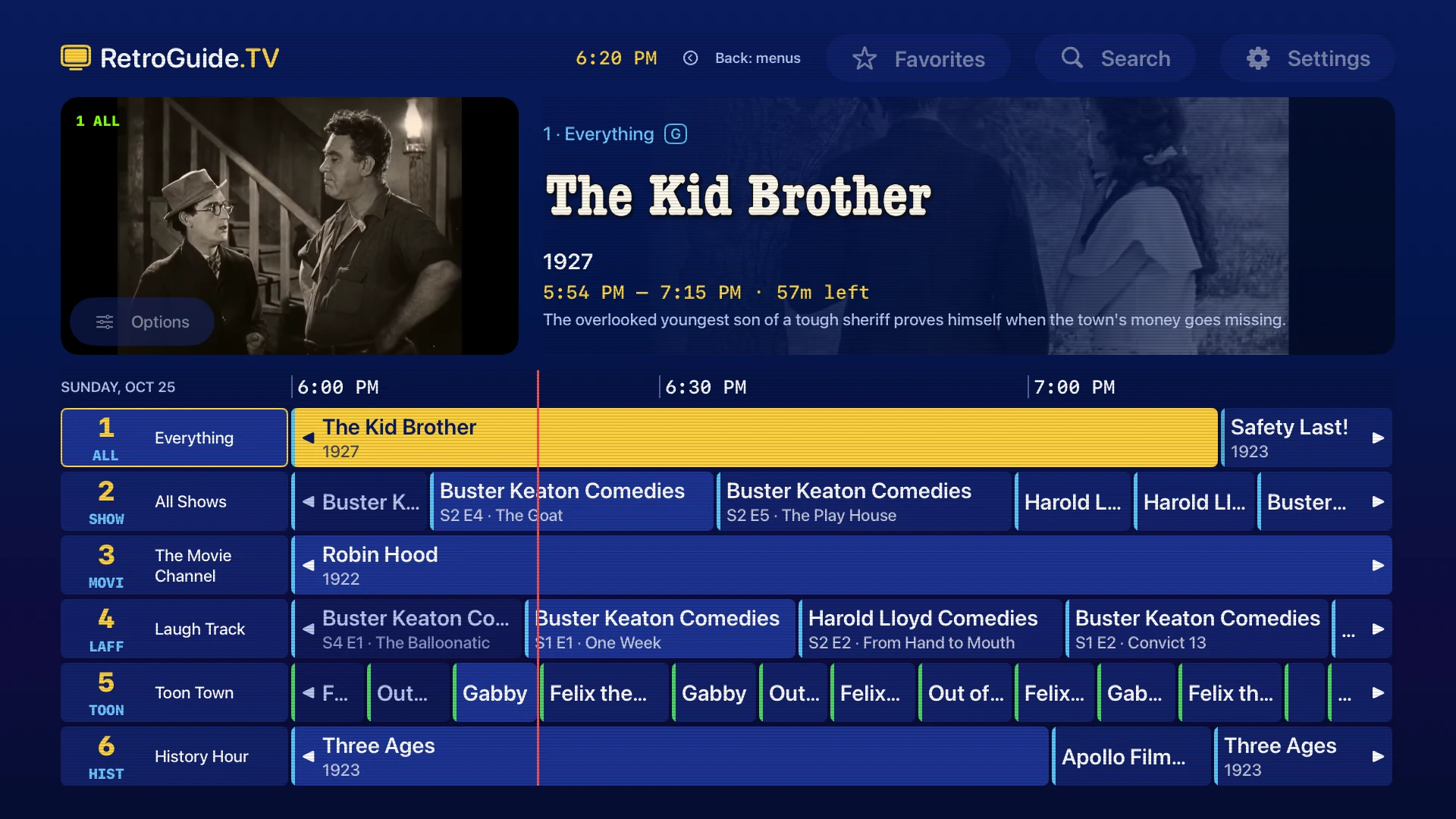
RetroGuide.TV turns your media library into always-on TV channels with a classic program guide, widgets and Picture in Picture, on iPhone, iPad and Apple TV. Connect Plex or Jellyfin, or combine both in one lineup with Pro.
Long description
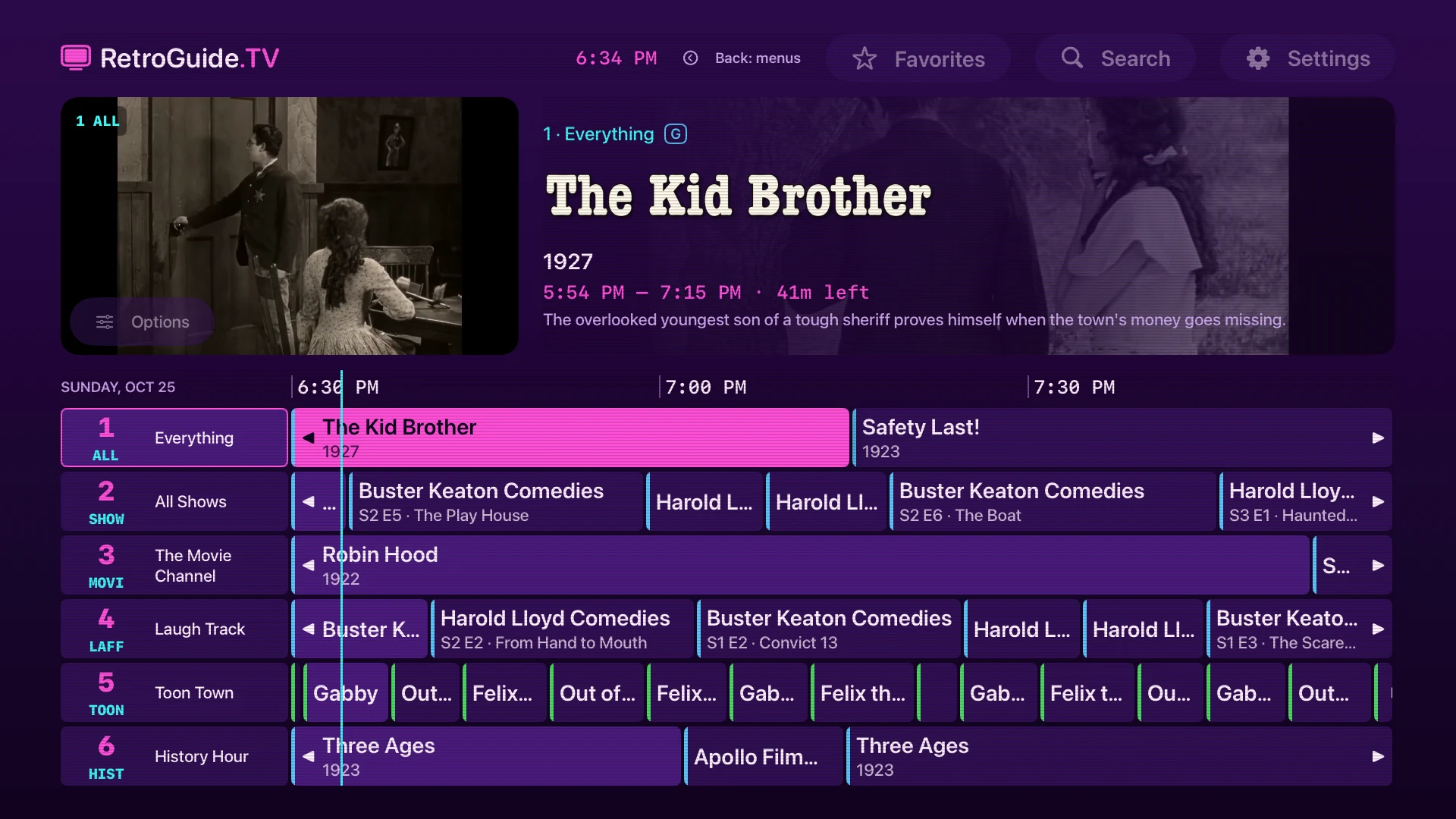
RetroGuide.TV gives the shows and movies you already have a place on the schedule. It builds always-on channels from genres, decades, networks, collections and series. Open the app, browse the classic program guide or flip channels with a swipe or the Siri Remote, and join whatever is already playing.

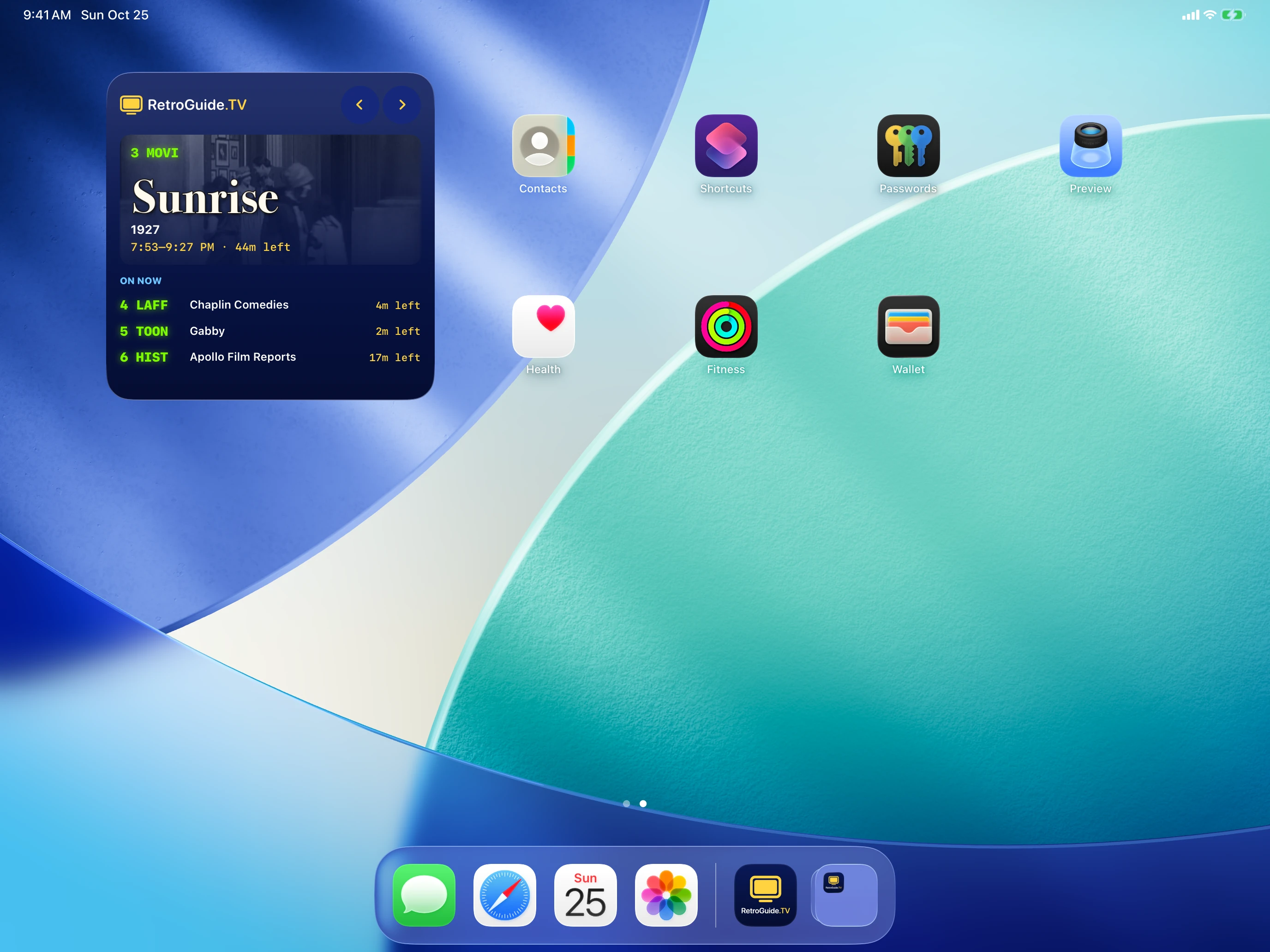
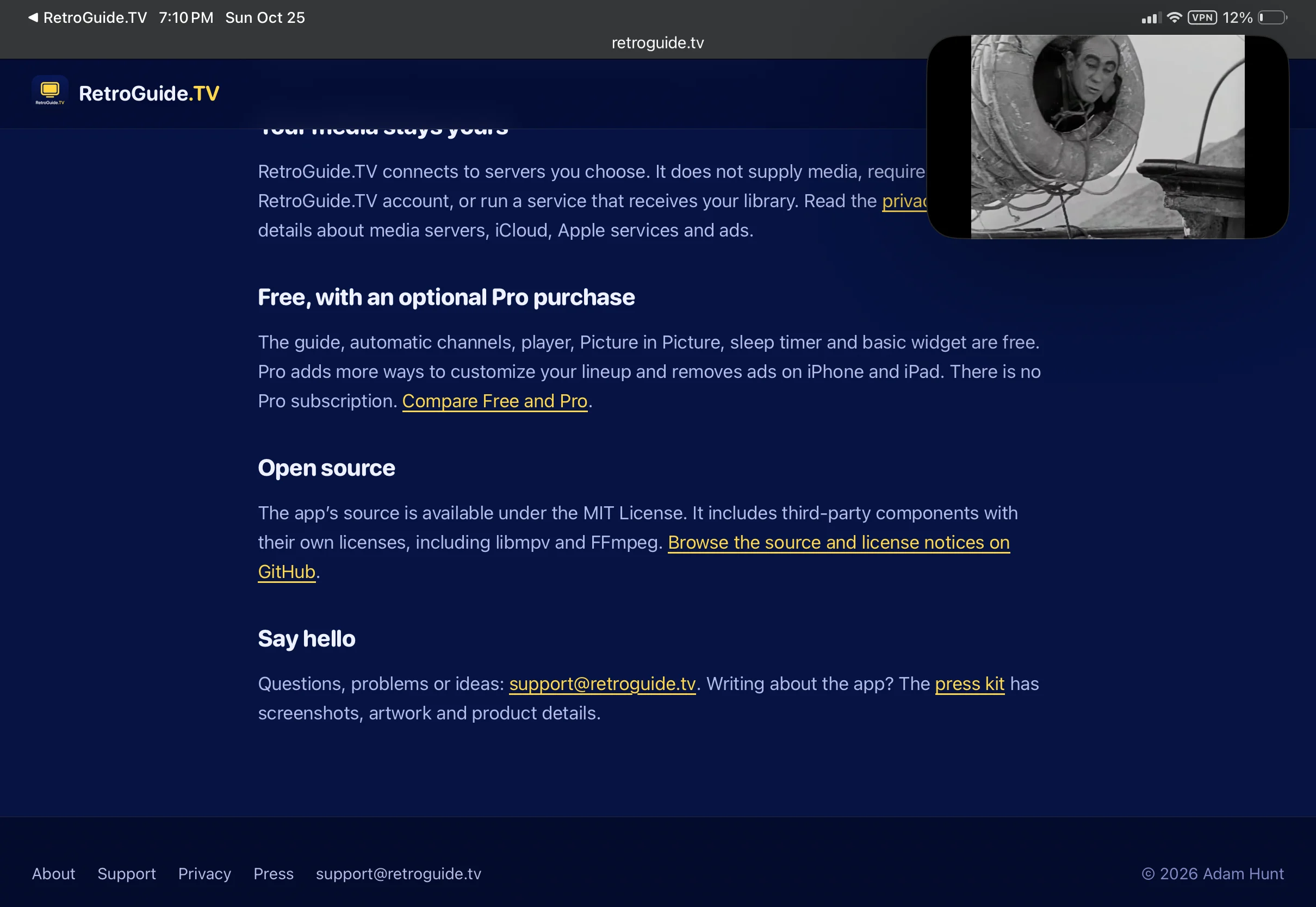
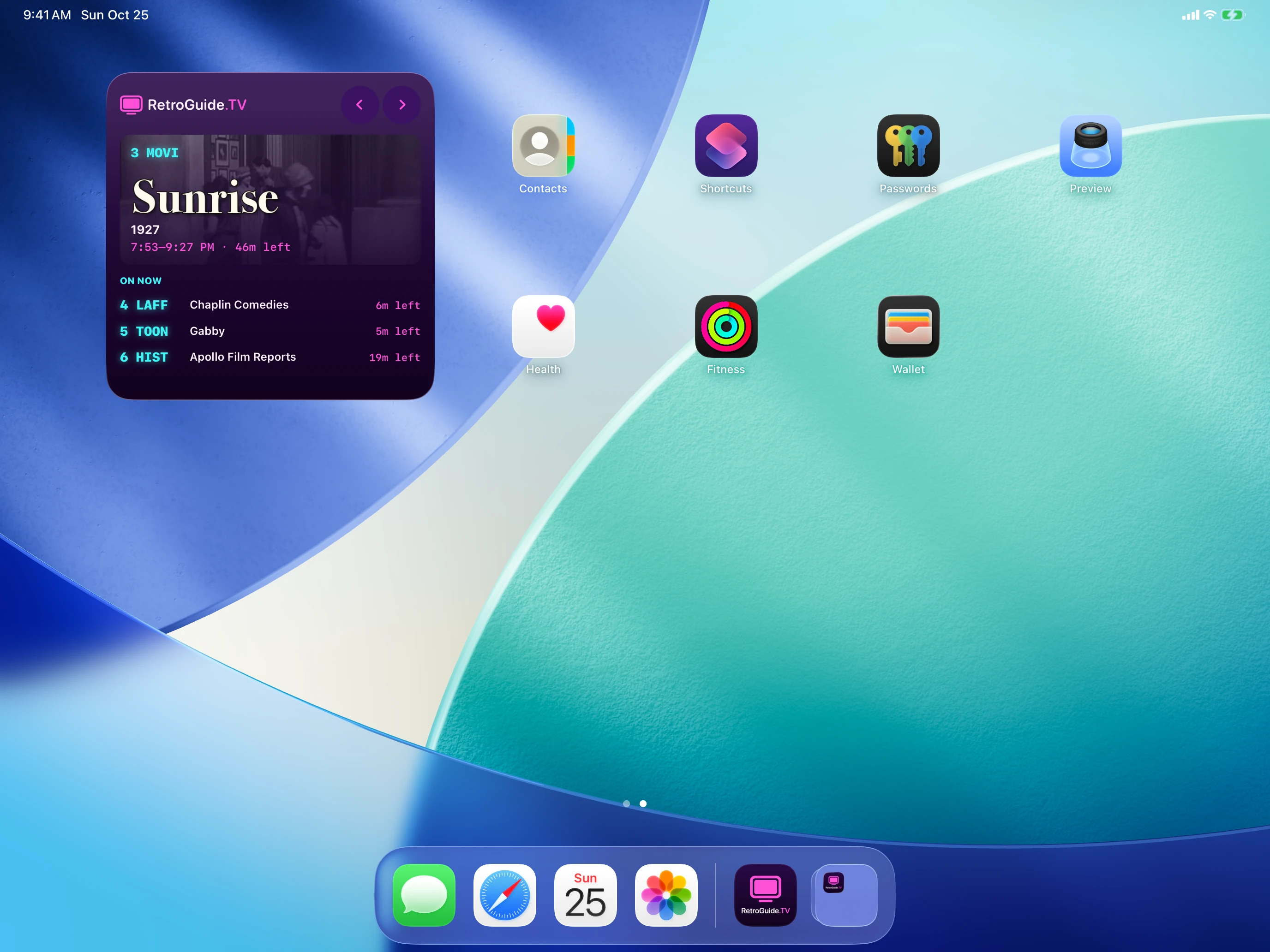
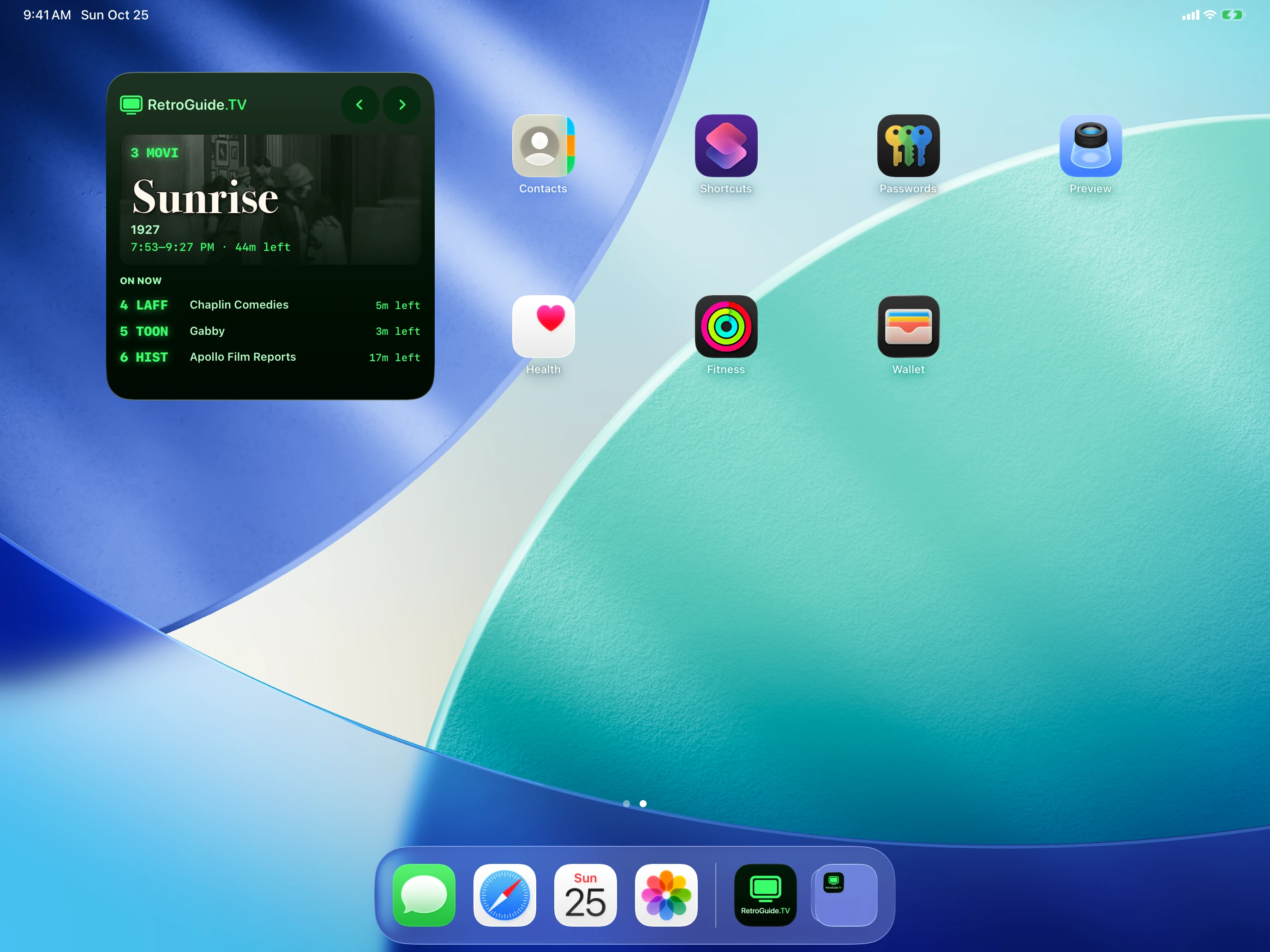
On iPhone and iPad, What’s On widgets show current programs before you open the app. Picture in Picture keeps a channel playing while you use another app, and a sleep timer stops playback after a duration or the end of a program.

The app is free. RetroGuide Pro is a one-time purchase that adds Favorites, program reminders, personalized widgets, multiple servers, unlimited custom channels, all twelve themes with matching app icons and widget colors on iPhone and iPad, schedule controls, library-wide track rules and removing titles from channels. Pro also removes ads on iPhone and iPad; Apple TV has no ads.

RetroGuide.TV supports Plex and Jellyfin. Jellyfin connections include discovery, Quick Connect or password sign-in, audio/subtitle controls and playback reporting. Pro can combine Plex and Jellyfin servers in one lineup.

Requires access to a compatible media server. No media is included. No separate RetroGuide.TV account is required. The free iPhone and iPad app uses Google AdMob for non-personalized ads and related measurement. RetroGuide.TV is independent and is not affiliated with or endorsed by Plex, Inc. or the Jellyfin project.
App icon

Screenshots
Actual app and system widget/Picture in Picture captures using public-domain films. Full-resolution files and content credits are included in the kit.